CASE STUDY 02 · 4 MIN READ
Yoy Planet
Arcade energy, pixel by pixel.
An arcade is loud, bright and physical. The website had to feel the same before anyone walked in.
Yoy Planet is an arcade and leisure venue in Coslada (Madrid), part of the Orenes group. At Playroom I designed six landings in Figma and built them in WordPress with an AI-assisted workflow: Claude Code connected to Figma through MCP.
The challenge
How might we turn the energy of a game venue into a site that makes groups book a visit?
Hypothesis
If the site shows the real machines and gives groups one clear path, more birthdays and group visits will be booked online.
How I work
I design the system in Figma first, so an AI-assisted build has clear rules to follow.
The site feels like the first minute inside the venue: the machines up front, flat colour on near-black, pixel icons and one path for groups to book.
The machines are the heroes
Real photos of the machines and of groups playing, instead of illustrations.


Why
People don’t book an arcade for the logo; they book it for the games. Showing the real machines answers “what can we play?” at a glance.
How I would measure it
Clicks on game cards, and time spent on the games page.
A pixel visual language
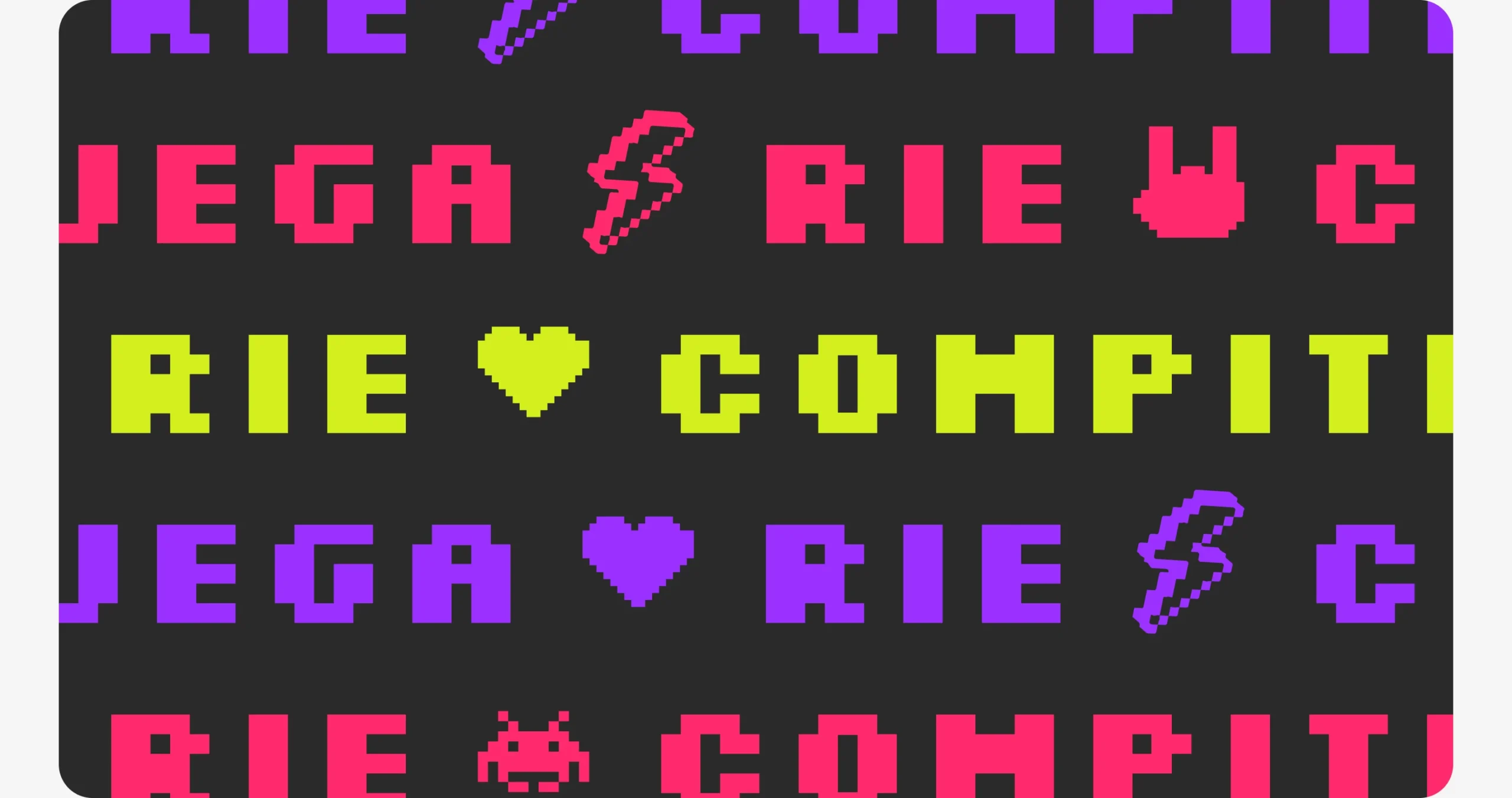
Pixel icons, a yellow accent and the “Juega · Ríe · Compite · Repite” rhythm: the brand speaks like a game screen.

Flat red, violet and magenta with a yellow accent on a near-black background. The red-to-magenta gradient is kept for buttons and the “Enjoy with YOY” claim only.
- Red
#FF0000 - Violet
#8200FF - Magenta
#C600AF - Accent · yellow
#EDFF00 - Background
#03171D
- Fredoka Expanded for headlines and short texts
- Tiny5 only on buttons and calls to action
- Gotham for running text: menus, prices and opening hours
Why
Pixel art instantly says “games” and works at any size, from a favicon to a full-width header. Keeping the gradient for actions makes every button easy to find.
How I would measure it
A recall test: after seeing the home, do people say “arcade” first?
From Figma to WordPress with AI
I designed components and tokens in Figma, then built the theme with Claude Code connected to the file through MCP, and reviewed every page by hand.
- Design Components, tokens and pages in Figma.
- Build Claude Code reads the file via MCP and writes the theme.
- Review I check every page against the design.
Why
AI speeds up the build, but the design decisions and the final review stay with me. That is how I keep the quality of a hand-built site.
How I would measure it
Hours from an approved Figma page to a built page, and fixes needed in review.
Why this work matters
The site is pending client approval. These are the signals I’d track once it’s live.
00 → 00
Group and birthday bookings per month from the site.
Group bookings
Birthday and group requests sent through the site.
Feels like the arcade
Do visitors describe the site as fun and full of energy?
Build speed
Time from approved design to built page with the AI workflow.
What I learned
Key takeaway
Working with AI changed my role, not my responsibility: the clearer the design file, the better the code it produces.
With more time, I’d…
- Measure group bookings from the site
- Add a “which game is for me?” guide
- Animate the pixel icons on hover
With less time, I’d…
Launch Home, Games and Birthdays first, the pages that bring group bookings, and add tournaments later.
That’s the short version. The full process is below if you want the evidence.
- Show the games Let people see the machines, not just read about them.
- Make group plans easy Birthdays, friends, teams: one clear path.
- Keep it playful Pixel icons and bold colour, like the venue.
Starting from the venue
I started from the venue itself: its machines, its photos and the people who go there, usually in groups, plus other leisure and game venues online.
From structure to interface
I started in low fidelity to agree layout and hierarchy before adding the brand.
A system the team can build with
Pixel icons, buttons, cards for each game and the colour tokens as components in Figma, ready for the AI-assisted build. Clear components and tokens are what let Claude Code build the theme without inventing anything.
Accessible by default
- Small text only on dark backgrounds; never white on yellow
- Pixel font only for short headlines; body text in a readable sans
- Large tap targets for booking on mobile
Feedback and iterations
Agencies rarely have time for formal testing, so I validate with what we have: client feedback rounds, team reviews and quick checks. This is what changed because of it.
How I validated it
- Several feedback rounds with the client
- Reviews with the Playroom team before each delivery
- Next: track group and birthday requests